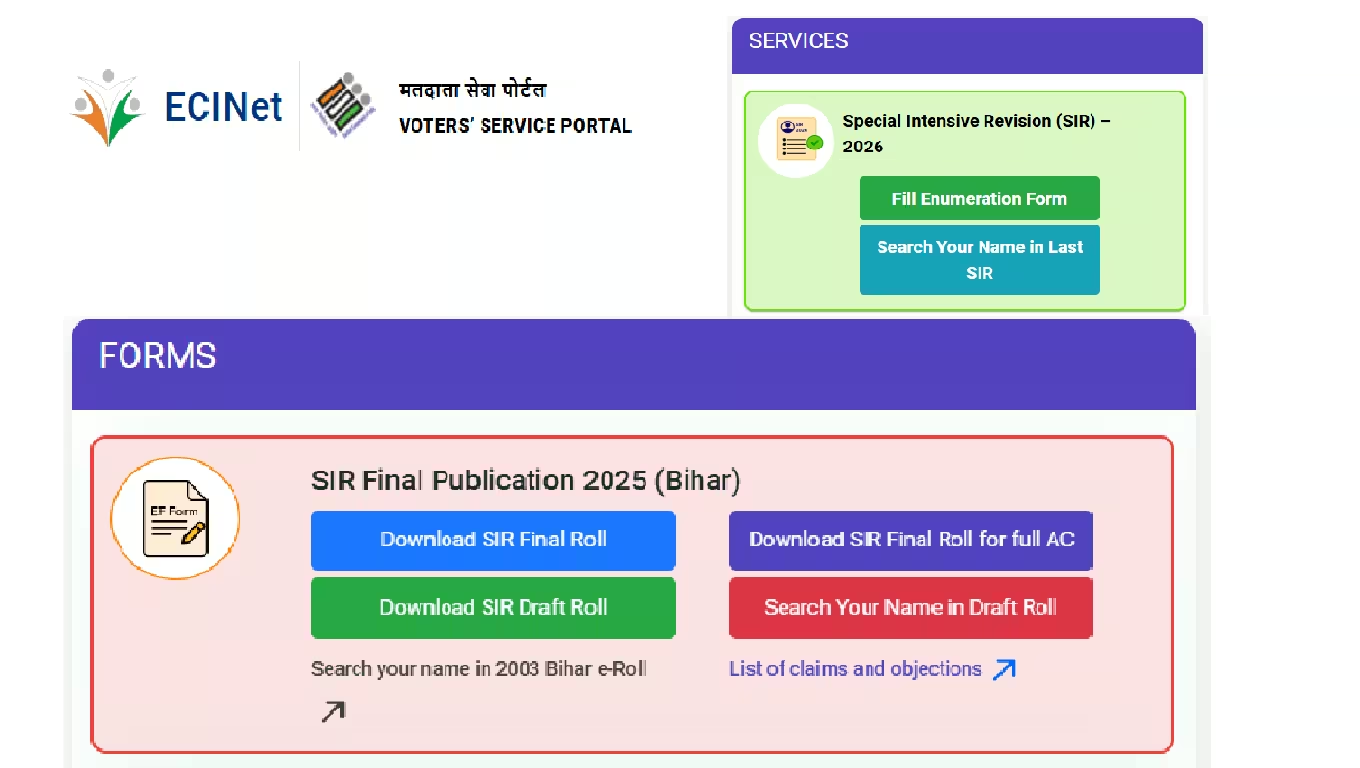
SIR Form Download & Complete Guide — Download SIR form 2025-26 Voter List Update
Download the SIR form PDF and learn how to navigate the Special Intensive Revision (SIR) 2025-26: required documents, fill-in process, timeline, and essential voter-list correction tips.”
The Election Commission of India (ECI) has launched a crucial initiative in 2025-26 to update and clean up the electoral rolls — called the Special Intensive Revision (SIR). This campaign aims not only to include new eligible voters but also to verify and correct existing voter data such as names, addresses, and identification. If you haven’t yet downloaded the SIR form download PDF or filled it out, this guide is for you. In this article, we will walk you through how to download the SIR form, which documents are required, how to fill in the application, the SIR Phase-II timeline, and other essential aspects to ensure your voter details are updated accurately.
What Is SIR and Why Is It Important?
- SIR, or Special Intensive Revision, is a deep, intensive exercise by the ECI to revise and validate electoral rolls across various states.
- The goal is to weed out ineligible or duplicate entries (such as deceased voters or duplicate registrations), while also bringing in new eligible voters who may have been left out.
- By conducting SIR 2025-26, the ECI aims to ensure that the voter list is robust, accurate, and reflective of the current demographics — thereby strengthening the integrity of upcoming elections.
Timeline for SIR Phase II / SIR 2025-26 (SIR Party-II Schedule)
Here is an overview of the likely timeline for SIR 2025-26, based on current reports. Note that exact dates may vary by state, so always check your state CEO / ECI portal for state-specific information:
- Enumeration (house-to-house verification): Began on 4 November 2025, according to multiple sources.
- Form distribution and collection: From 4 November to 4 December 2025, BLOs (Booth-Level Officers) are expected to distribute enumeration forms door-to-door.
- Draft voter list publication: After enumeration, a draft list will be published. In states like Gujarat, claims/objections period is expected to open soon after.
- Claims / Objections period: Example from Gujarat: from 9 December to 8 January for voters to file objections or corrections.
- Final voter list publication: Reports suggest the SIR final list will be published on 7 February 2026.
How to Download the SIR Form PDF
To download the SIR form PDF, follow these steps:
- Navigate to the Election Commission of India (ECI) official website or your state Chief Electoral Officer (CEO) portal.
- Look for the “Voter Services” or “Forms” section, where you should find the SIR Enumeration Form (गणना प्रपत्र).
- Click on the link to download the PDF version of the form, and save it to your computer or smartphone.
- For online submission, visit the ECI Voter Services Portal at
voters.eci.gov.in— many states allow you to fill in the enumeration form online if your mobile number is linked to your EPIC. - If downloading or filling online is not feasible, contact your BLO (Booth-Level Officer) — they distribute physical enumeration forms during their door-to-door visits.
List of Required Documents for SIR
When applying via the SIR form, you will likely need the following documents. These may vary by state based on local ECI / CEO guidelines:
- Identity Proof: Voter ID (EPIC), Aadhaar card, PAN card, etc.
- Address Proof: Utility bills (electricity / water / telephone), bank passbook, ration card, etc.
- Age Proof: Birth certificate, 10th grade mark sheet, passport, school record, etc.
- Relative’s Details: If your name was not part of the 2003 voter list but a relative’s name was, you may need to provide their details. The ECI allows only certain relatives (parents, grandparents) to be named for this purpose.
- Passport-size Photo: A recent photograph to attach to the form.
- E-Sign Verification: Many states require an Aadhaar-based e-sign to validate the form.
How to Fill the SIR form download (Application / Enumeration Form)
You can fill the SIR application either online or offline. Here’s a step-by-step guide:
- Open the form: Use the downloaded PDF to understand all required fields: name, EPIC, address, relative’s info, photo, etc.
- Fill in details: Enter your name, address, EPIC number, relative’s name (if applicable), mobile number (if linked), and attach the recent passport-size photo.
- Relative information: If you’re providing details of a relative from the 2003 voter list, fill that section carefully, as per ECI guidance.
- Upload documents: For online forms, scan or photograph your identity, address, and age proof, and upload them.
- E-Sign: Use the Aadhaar-based e-sign option (if available) to authenticate and validate your form.
- Submit: Once the form is complete, submit it online or hand over the physical form to your BLO during their visit.
- Get acknowledgment: After submission, make sure to obtain a reference number or acknowledgment slip. Keep this for future tracking.
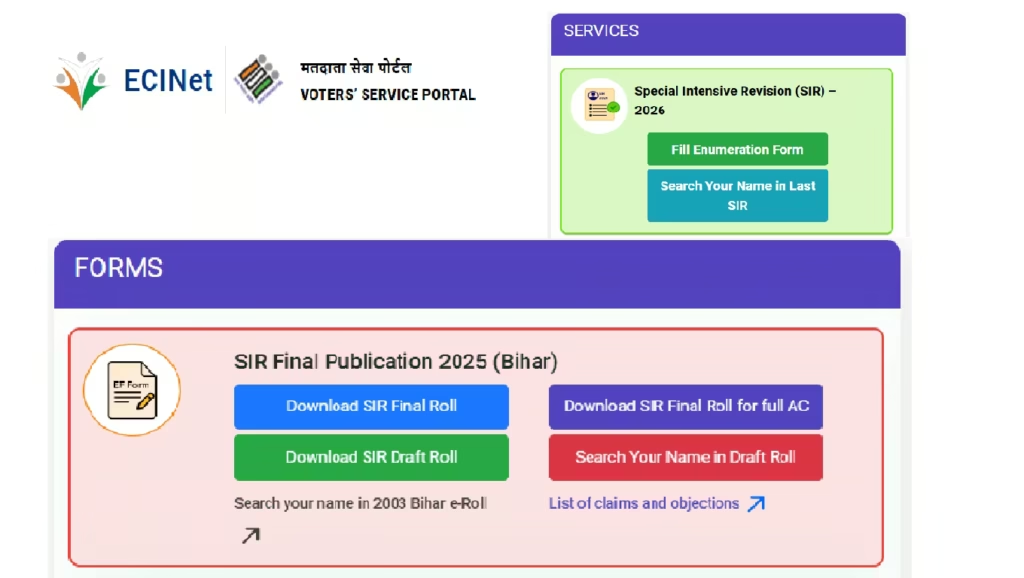
Importance of SIR 2025 Voter List (Voter List Correction)
- Once the enumeration forms are collected and verified, ECI prepares a draft SIR voter list incorporating updated and corrected records.
- A claims and objections window allows voters to challenge or correct any discrepancies.
- Finally, ECI publishes a final voter list, referred to as the SIR 2025 voter list, which will be used for upcoming elections.
- This process ensures that only legitimate, eligible voters are included — thereby reducing the chances of duplicate or fraudulent entries.
Common Issues & Precautions (Challenges & Tips)
As you go through the SIR application process, you may face certain challenges — here are common issues and how to address them:
- Not receiving the form: If you can’t download the SIR form Download PDF, reach out to your local BLO. They are distributing physical enumeration forms to each household.
- Incorrect entries: Double-check all information, especially your name, EPIC number, and address — mistakes here can cause serious problems later.
- Providing relative’s details: Ensure that you have correct documentation if you are filling in a relative’s (e.g., parents’) name from the 2003 list.
- E-Sign difficulties: If e-sign is not working or accessible, use the offline form option and submit the hard copy to BLOs.
- Tracking application: Keep the acknowledgment / reference number safely — it’s critical if you need to follow up on your application or file objections.
Additional Tips & Game-Changing Advice
- Act early: Be proactive; don’t wait until the final days — complete your SIR application, and don’t miss the claims / objections period.
- Maintain records: Digitally store copies of submitted forms, your acknowledgment slip, and photos — these can be very useful for future verification.
- Raise awareness: Encourage family, friends, and community members to participate in SIR. Many people may not be aware that they need to re-verify or update their voter details.
- Use official resources: Rely on ECI’s Voter Services Portal and your state CEO website for updated instructions, FAQs, and downloadable forms.
- Seek help locally: If online submission feels complicated, go to your nearby CEO office or polling station and request help from BLOs or voter-registration support teams.
9. Reliable Sources & References
Here are some trusted sources that support the information in this guide:
- ECI’s press note via CEO Delhi on SIR preparations. Chief Electoral Officer Delhi
- ECI / state-level SIR instructions in Bihar. Bihar Chief Electoral Office
- Media coverage about how SIR is being conducted in Gujarat (door-to-door enumeration, BLO distribution).
- Official government guideline on how to provide relative’s information when your name is absent from the 2003 list.
Conclusion
Downloading the SIR form download and participating in the Special Intensive Revision 2025-26 is not just a bureaucratic task — it’s a civic duty. Through this process, you help ensure that the SIR voter list (मतदाता सूची विशेष गहन पुनरीक्षण) is updated, accurate, and inclusive.
By following the detailed steps in this guide — from SIR form PDF download, preparing the required documents, correctly filling out the SIR application, and submitting it before the deadline — you make sure that your voice is properly represented in the democratic process.
Table of Contents




1 thought on “SIR Form Download|Download the SIR form best guide (Special Intensive Revision )”